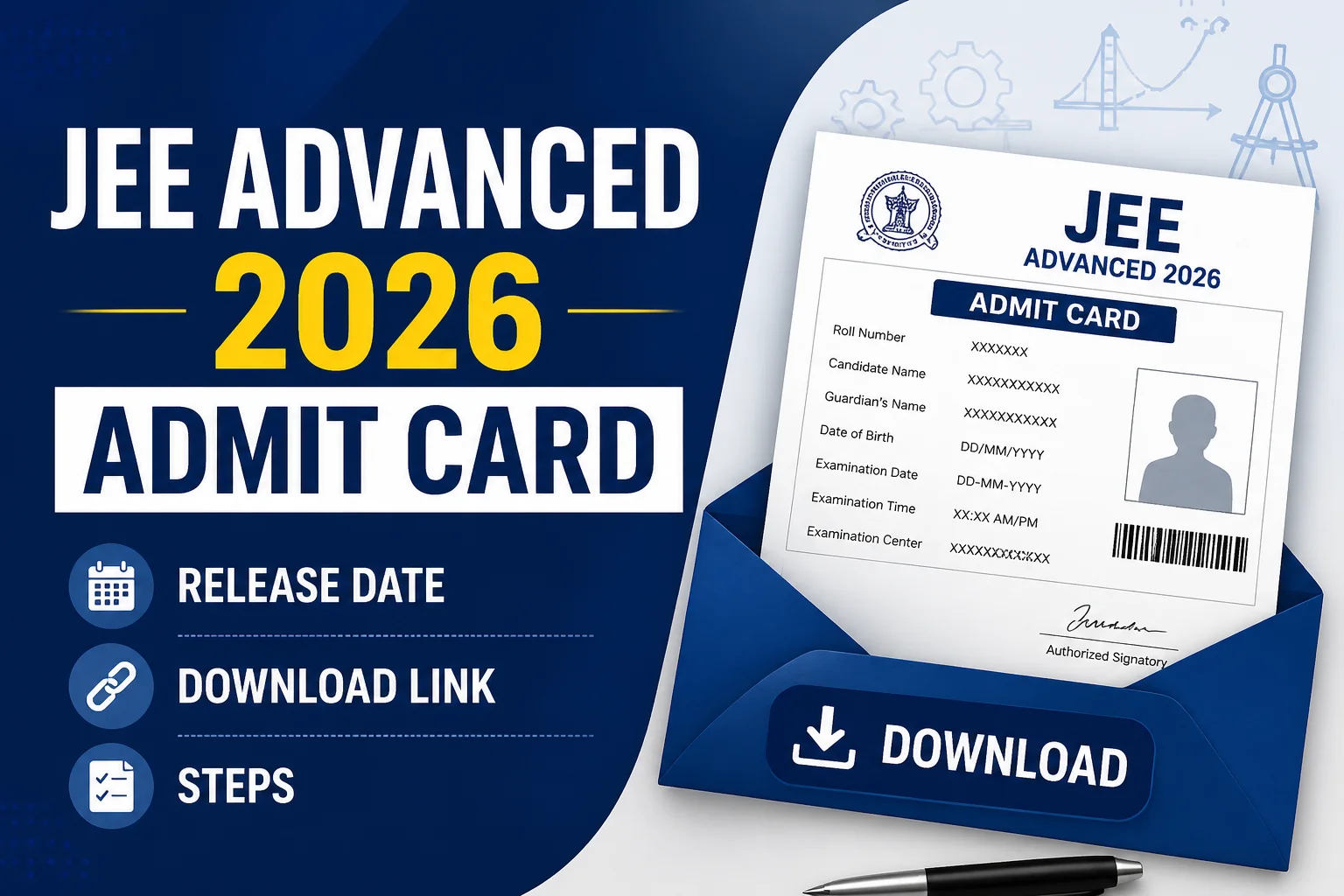
Every year, one small PDF causes a ridiculous amount of panic. Not the question paper. The admit card.
For JEE Advanced 2026, the admit card will be released online on the official website, jeeadv.ac.in, and candidates will need to download it before exam day. The exact release date hasn’t been announced yet, but based on recent IIT schedules, it’s likely to be available around one week before the JEE Advanced 2026 exam, probably in May 2026. That’s the honest answer for now.
JEE Advanced 2026 Admit Card Release Date
The official JEE Advanced 2026 information brochure will confirm the final admit card date. Until that lands, the safest estimate comes from previous years.
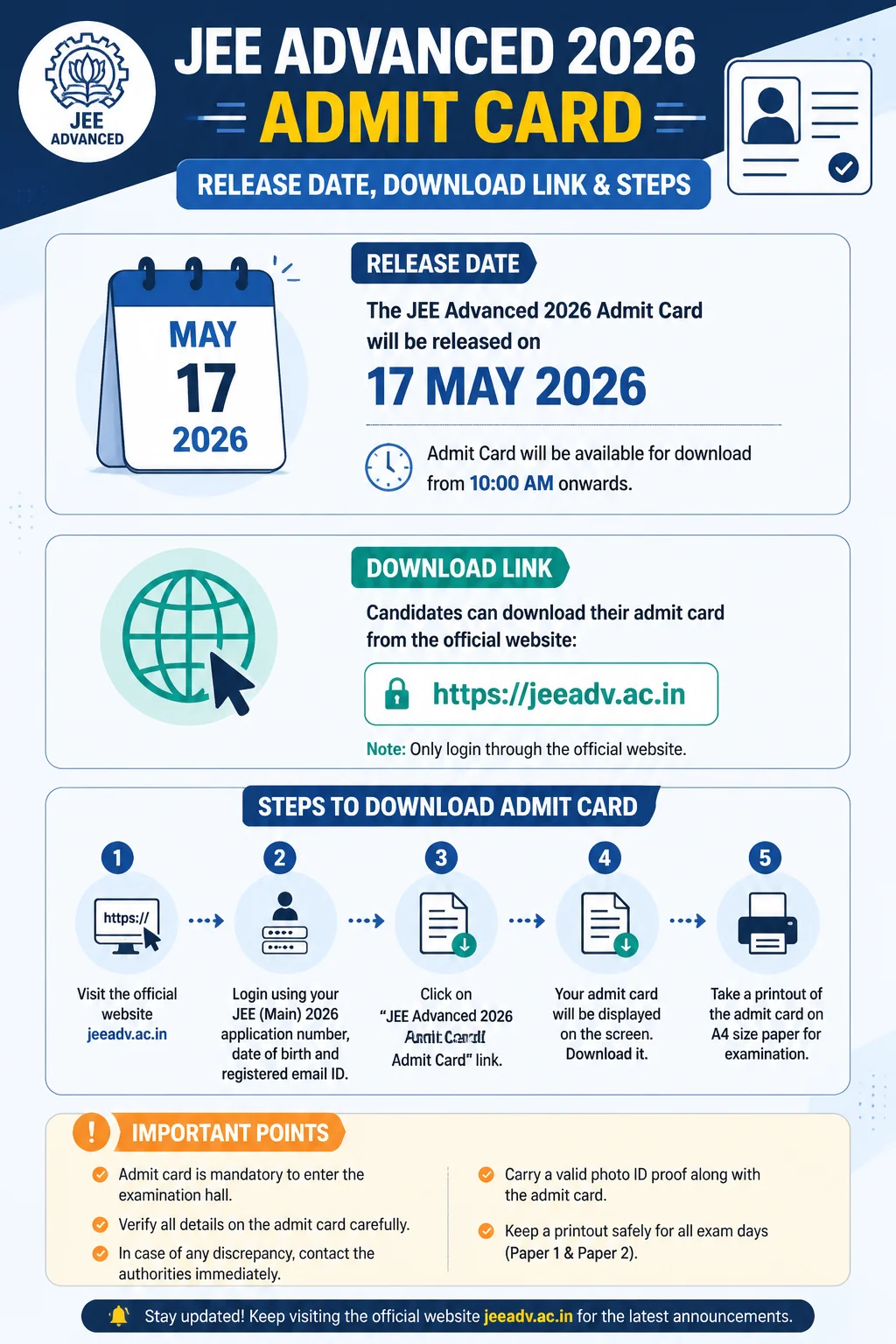
For example, JEE Advanced 2025, conducted by IIT Kanpur, was held on May 18, 2025. The admit card was released on May 12, 2025, according to the JEE Advanced 2025 schedule published on jeeadv.ac.in. That gave candidates roughly six days to download it, check their exam centre, and fix any obvious errors.
So, for 2026, expect a similar pattern. Short window. High stakes. Classic JEE.
- Expected admit card release: May 2026
- Expected exam month: May 2026
- Official website: jeeadv.ac.in
- Mode of release: Online only
- Login details likely needed: Registration number, date of birth, and mobile number
Once the organising IIT releases the full schedule, candidates should stop relying on estimates and follow the official dates. Screenshots from Telegram groups don’t count. Honestly, they cause more damage than help.
JEE Advanced 2026 Admit Card Download Link
The admit card download link will be activated on the official JEE Advanced website:
Download link: jeeadv.ac.in
When active, the link will usually appear as something like “Candidate Portal” or “Download Admit Card.” You won’t get the admit card by post, email, courier, pigeon, or anything else. It’s a PDF download from the portal.
I’ve seen students wait until the night before the exam, then discover their password isn’t working or the site is slow. Bad idea. Download it on the first day if you can. Print two copies. Keep one in your bag and one with your parents or guardian if they’re travelling with you.
How to Download JEE Advanced 2026 Admit Card
The process is usually simple, but under exam pressure even simple things feel like assembling a gaming PC without a manual. Here’s the likely flow:
- Go to the official website: jeeadv.ac.in.
- Click on the JEE Advanced 2026 admit card or candidate portal link.
- Enter your registration number, date of birth, and other required login details.
- Submit the form and open the admit card PDF.
- Check every detail carefully.
- Download the file and take a clear printout on A4 paper.
Use a laptop or desktop if possible. Mobile downloads work, yes, but PDFs sometimes get saved in odd folders, and printing from a phone can turn into a mini-drama at the worst possible time.
Details Printed on the Admit Card
The JEE Advanced admit card is not just an entry pass. It carries your identity details, exam slot, and centre instructions. A small spelling mistake may not always be fatal, but don’t ignore it.
- Candidate’s name
- JEE Advanced 2026 roll number
- Photograph and signature
- Date of birth
- Category and PwD status, if applicable
- Exam date and reporting time
- Paper 1 and Paper 2 timings
- Exam centre name and address
- Exam day instructions
JEE Advanced has two compulsory papers, and candidates must appear for both. In 2025, Paper 1 ran from 9:00 AM to 12:00 PM, while Paper 2 was held from 2:30 PM to 5:30 PM. The 2026 timings may be similar, but check your own admit card. Not your friend’s. Yours.
What to Carry on Exam Day
At the exam centre, staff will check your admit card and photo ID before allowing entry. This part is strict, and it should be. The exam decides admission to IITs, including IIT Bombay, IIT Delhi, IIT Madras, IIT Kanpur, and the rest of the system.
- Printed JEE Advanced 2026 admit card
- Original photo ID proof such as Aadhaar card, passport, PAN card, voter ID, or school ID, as allowed in the brochure
- Transparent water bottle, if permitted
- Black ballpoint pen, if mentioned in the instructions
Don’t carry calculators, smartwatches, Bluetooth devices, notes, rough sheets, or electronic gadgets. The computer-based test system gives you tools where needed, and rough sheets are usually provided at the centre. If something is banned, leave it outside. Game over otherwise.
If There’s an Error in the Admit Card
If your name, category, photograph, signature, or exam centre details look wrong, contact the JEE Advanced helpdesk immediately. Don’t wait for “someone to clarify” in a coaching group chat.
The official brochure normally lists helpline numbers and email addresses for candidate support. In past years, the organising IIT handled admit card corrections through the candidate portal and helpdesk. Keep your registration number, JEE Main application number, and a screenshot of the error ready before you write to them.
Who Can Download the Admit Card?
Only registered candidates can download the admit card. Clearing JEE Main alone isn’t enough. You must qualify among the top eligible candidates, complete JEE Advanced registration, pay the fee, and submit the form before the deadline.
For reference, the JEE Advanced 2025 information brochure allowed the top 2,50,000 successful JEE Main candidates across categories to register. The number for 2026 will be confirmed in the official brochure. It usually stays close, but don’t assume until the document is out.
Quick Advice Before the Link Goes Live
Save your login credentials now. Use the same name format and date of birth you used during registration. Clear your browser cache if the page doesn’t load, or try another browser like Chrome or Firefox. Small tech fixes, big relief.
And once you’ve downloaded the admit card, read the instructions printed on it. Really read them. The students who lose time at the gate are often the ones who thought they already knew everything.
The JEE Advanced 2026 admit card won’t improve your rank. But forgetting it can ruin the day before the first question even appears on screen. Print it early, check it twice, and keep it somewhere you won’t “definitely remember” and then absolutely forget.